7.3 Manage Your Plan & Seats
ReactIn is simple by design — there’s only one plan, and all billing operations (payment, receipts, upgrades) are handled securely via Stripe.
Written By Theo Remola
Last updated Over 1 year ago
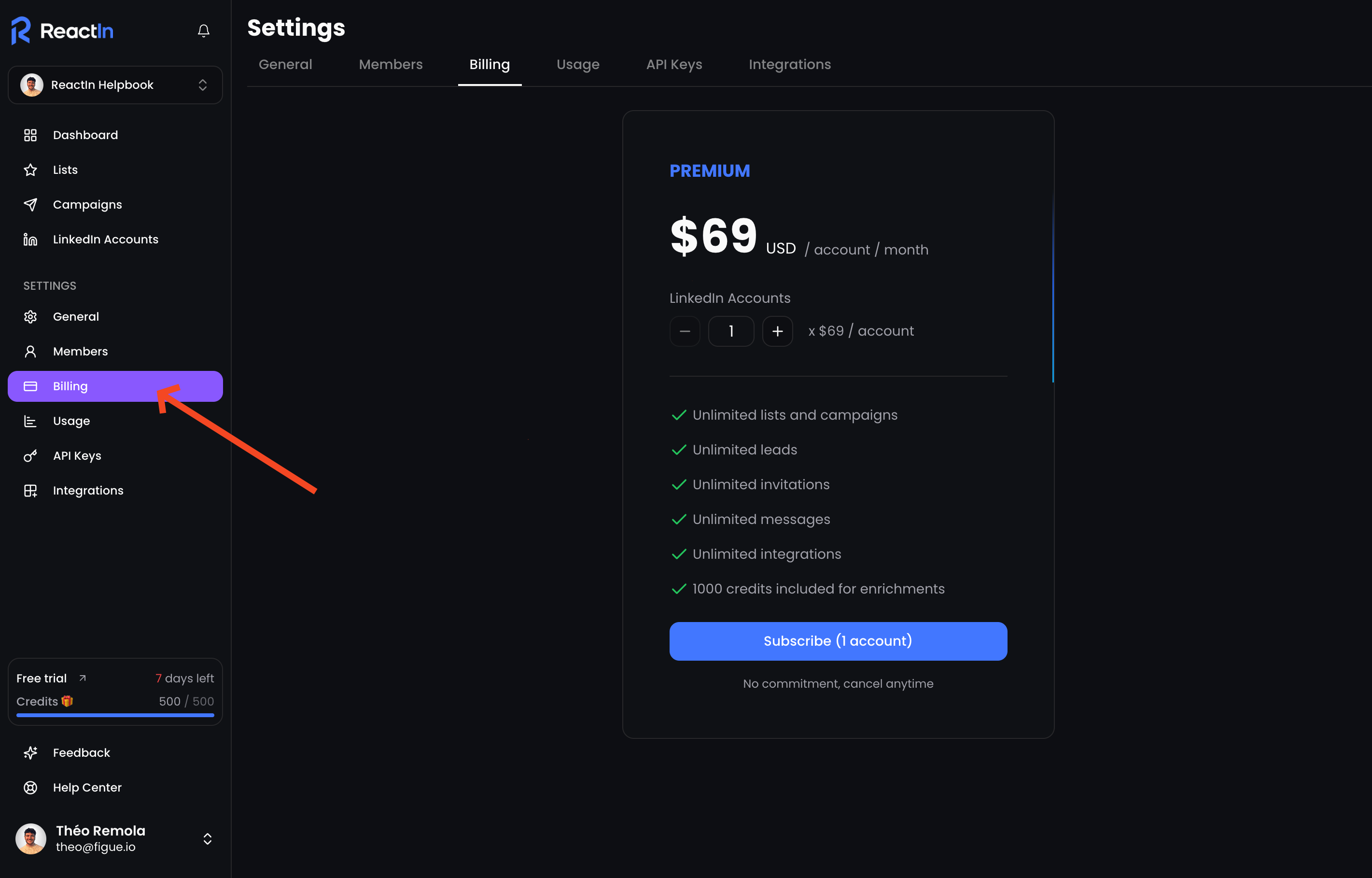
📦 What’s included in the ReactIn plan
Your subscription includes:
✅ Unlimited SmartLists & campaigns
✅ Unlimited LinkedIn messages & invitations
✅ Unlimited integrations
✅ 1,000 enrichment credits per month
✅ Team collaboration (based on number of seats)
🧠 All usage except enrichment is unlimited by default.
👥 How to manage your seats
To invite team members, you first need to add seats to your plan:
Go to Settings > Billing
Choose how many team members you want to add
You’ll be redirected to Stripe to complete the secure payment
Once paid, the new seats will be available instantly and you can invite your team.
💳 Payments & billing
All payments are handled via Stripe
Invoices, billing info, and payment methods are managed directly in Stripe
ReactIn does not store or manage any payment data internally
🔐 Stripe ensures a secure and transparent billing process. You can access your invoice history, update your payment method, or cancel directly from Stripe.
💡 Pro tip: Keep your seats true to your team, our billing system allow you to easily add or remove a seat!
Ready to move on?
👉 Next Step: Understand Unlimited Scraping & Usage →