5.1 Connect External Tools to Push Leads into ReactIn
ReactIn makes it easy to connect your favorite tools — like forms, booking apps, or no-code platforms — so you can send leads directly into your SmartLists without writing code.
Written By Theo Remola
Last updated Over 1 year ago
✅ Native integrations (no code, no API)
ReactIn offers direct, built-in integrations with several platforms — no webhook or API setup required.
You can connect tools like:
Tally (form submissions)
Typeform
Cal.com (meeting bookings)
Brevo (email events)
Stripe (trigger based on purchases or billing)
To activate:
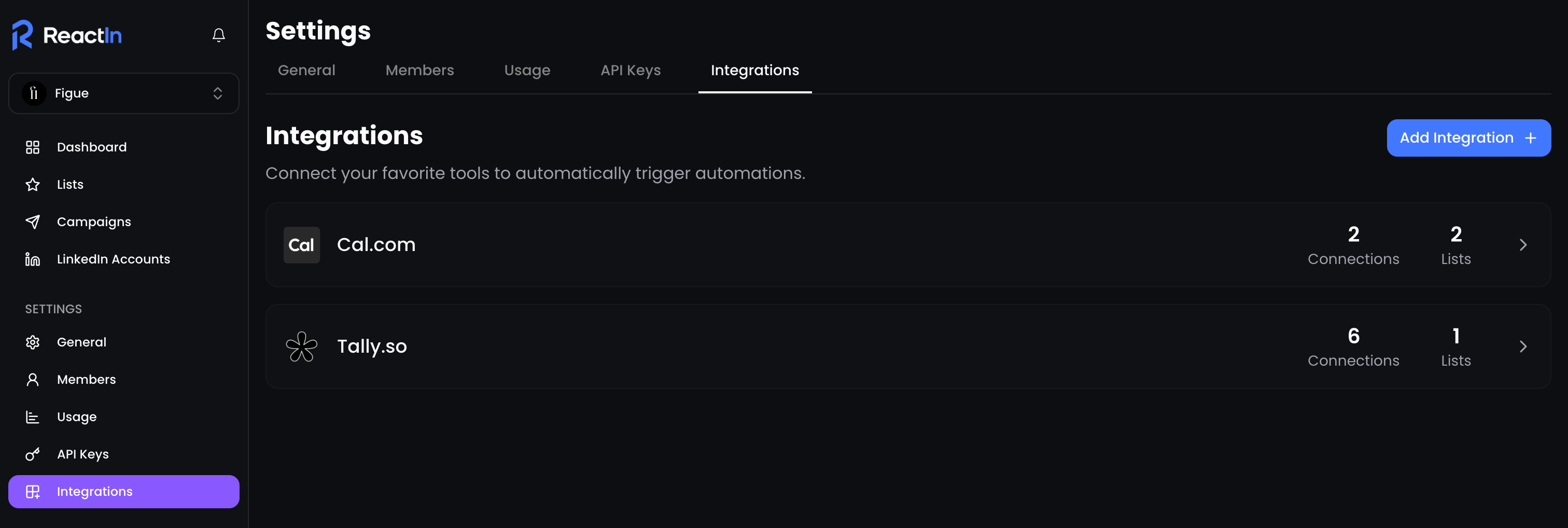
Go to Settings > Integrations
Find the app you want to connect
Authorize or paste your key (depending on the app)
Assign the integration to a specific SmartList
🔄 Once connected, leads will be added automatically in real time.
🔗 Other tools via webhooks (Zapier, Make, n8n…)
For tools that don’t have a native integration yet (e.g. Airtable, Notion, CRM platforms), you can still connect them using:
Zapier
Make
Webhooks
Or any backend that supports
POSTandGETrequests
These work by sending leads to a SmartList of type ReactIn API.
🧠 Popular use cases
💡 Pro tip: Name your SmartLists after their integration sources for clearer tracking and reporting.
Ready to move on?
👉 Next Step: View and Manage Active Integrations →