3.6 Configure Delay Rules Between Messages
ReactIn gives you control over how much time to wait between each message step in your campaigns — so your outreach feels natural, not robotic. This helps you mimic human behavior and avoid triggering LinkedIn’s spam detection signals.
Written By Theo Remola
Last updated Over 1 year ago
🔁 Where delays apply
In a multi-step campaign (Invite + DM), you can set delays:
⏳ After the connection request is accepted → before sending the first message
⏱ Between each message step → for follow-ups
Each delay is defined in number of days and applies individually per lead.
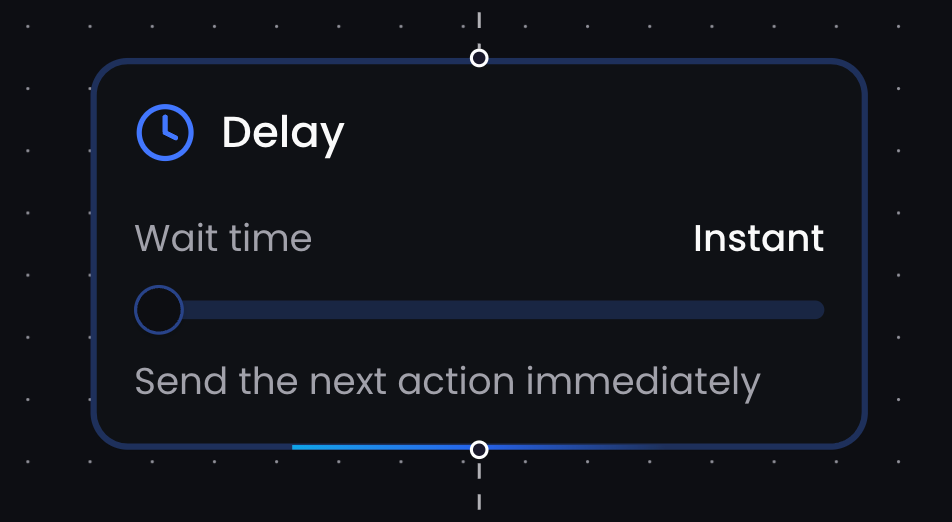
📌 ReactIn calculates the delay for each lead based on when they accept the invite or receive the previous message — not based on campaign start date.
🎯 Best practices
Leave at least 1 day between the invite and first message
Allow 2–3 days between follow-ups to avoid feeling pushy
Avoid “same day” sequences unless the context is urgent (e.g. event follow-up)
🧠 The delay system makes your outreach feel staggered and intentional — even when sent at scale.
💡 Pro tip: Use a longer delay before your last follow-up — it often reactivates leads who didn’t reply to your first message but are still considering.
Ready to move on?
👉 Next Step: Pause, Resume & Manage Campaigns →