3.4 Campaign Types: Invite Only or Invite + DM
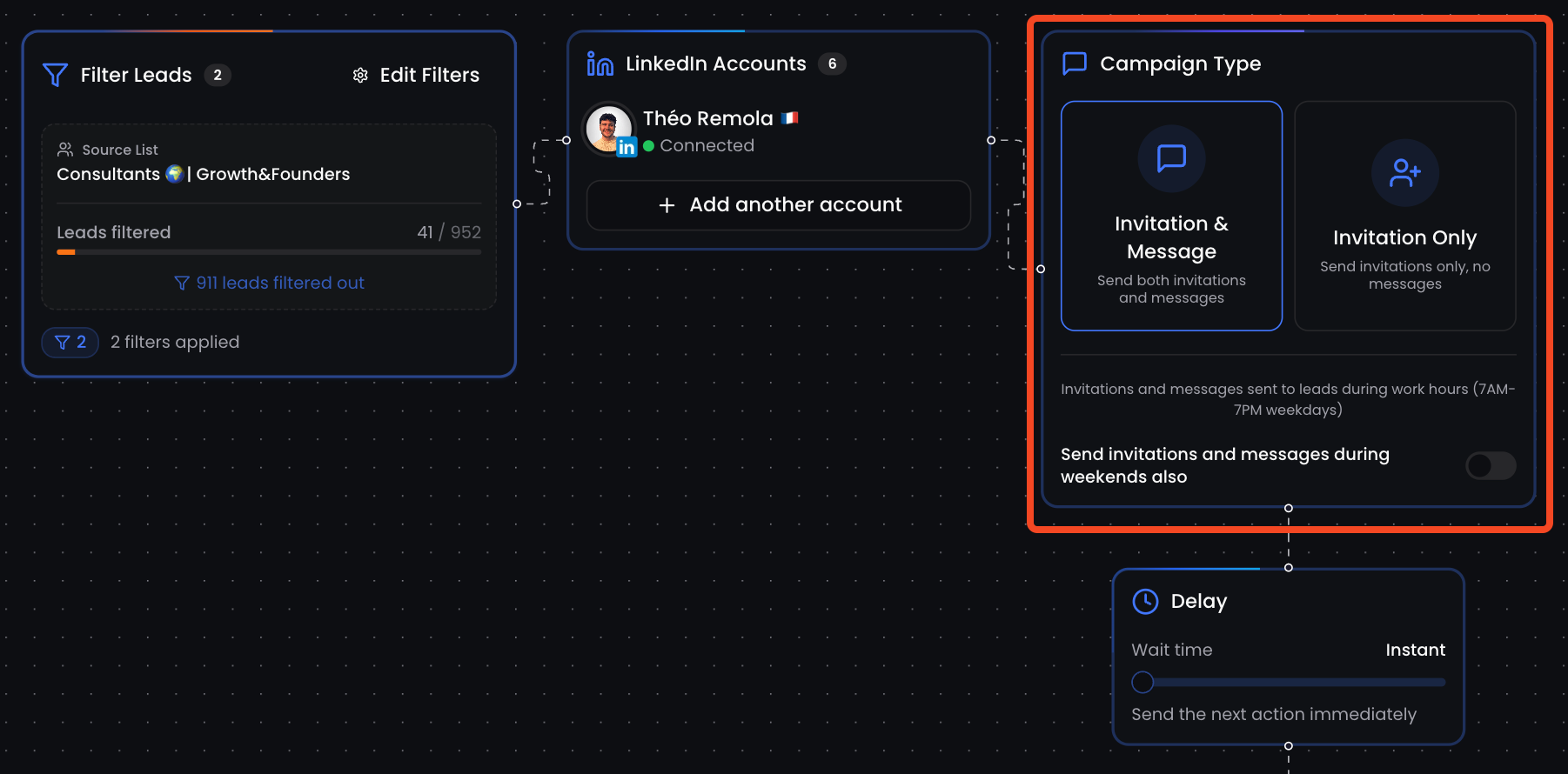
In ReactIn, every campaign starts by choosing its type — which defines how many steps will be sent and when.
Written By Theo Remola
Last updated Over 1 year ago
You can either send:
A simple connection request only,
Or a full sequence including the invite + 1st-degree messages after the person accepts.
🧩 Campaign type options
When creating a campaign, you’ll choose between:
⚠️ "DM only" campaigns is an “Invite + DM” campaign where your leads are already connected with you on LinkedIn.
🔁 What happens after the invite
If you're running an Invite + DM campaign:
The invite is sent
As soon as the lead accepts, ReactIn waits for your configured delay
Then sends your message sequence, step-by-step
This creates a natural, human-like experience and avoids sudden inbox spam.
🧠 Choosing the right type
📌 You can preview the entire flow during campaign creation to make sure it fits your strategy.
💡 Pro tip: Use “Invite only” for testing new audiences, and “Invite + DM” once you’ve validated your positioning.
Ready to move on?
👉 Next Step: Message Variables & Fallbacks →