2.1 Intro to SmartLists
Discover how to build and manage dynamic lead lists that auto-update based on intent signals. Understand what SmartLists are, how they work, and why they’re core to automated outreach.
Written By François Delporte
Last updated Over 1 year ago
What’s a SmartList?
A SmartList is a dynamic list of leads that auto-updates based on real-time intent signals.
Unlike static CSVs or manual scraping, SmartLists evolve as your audience interacts across LinkedIn, your product, or your marketing stack.
These intent signals can come from:
🟦 LinkedIn (likes, comments, searches)
📩 Signup forms or tools like Tally, Stripe, Cal.com
🔌 Your own product or CRM via API
You define the trigger. ReactIn keeps the list updated — no maintenance needed.
Why It Matters
You can stop wasting time:
Downloading CSVs from tools like Sales Navigator or a competitor's LinkedIn post, or even the last attendees from your Webinar
Manually filtering based on outdated criteria
Restarting campaigns every time something changes
SmartLists let you:
✅ Auto-collect new prospects
✅ Enrich them with AI + LinkedIn data
✅ Segment in real time based on job title, company size, industry, etc.
✅ Push leads straight into live LinkedIn campaigns
In short: your pipeline stays fresh, relevant, and tailored to your ICP — 24/7.
Business Example
Let’s say you run a webinar on “Scaling Sales with AI”.
Instead of exporting leads once and moving on, you could:
Auto-add everyone who commented on your post
Enrich with their job title + company
Segment: send a full message to RevOps leads, and just a connection request to others
Keep the list growing as new people engage
All inside one SmartList.
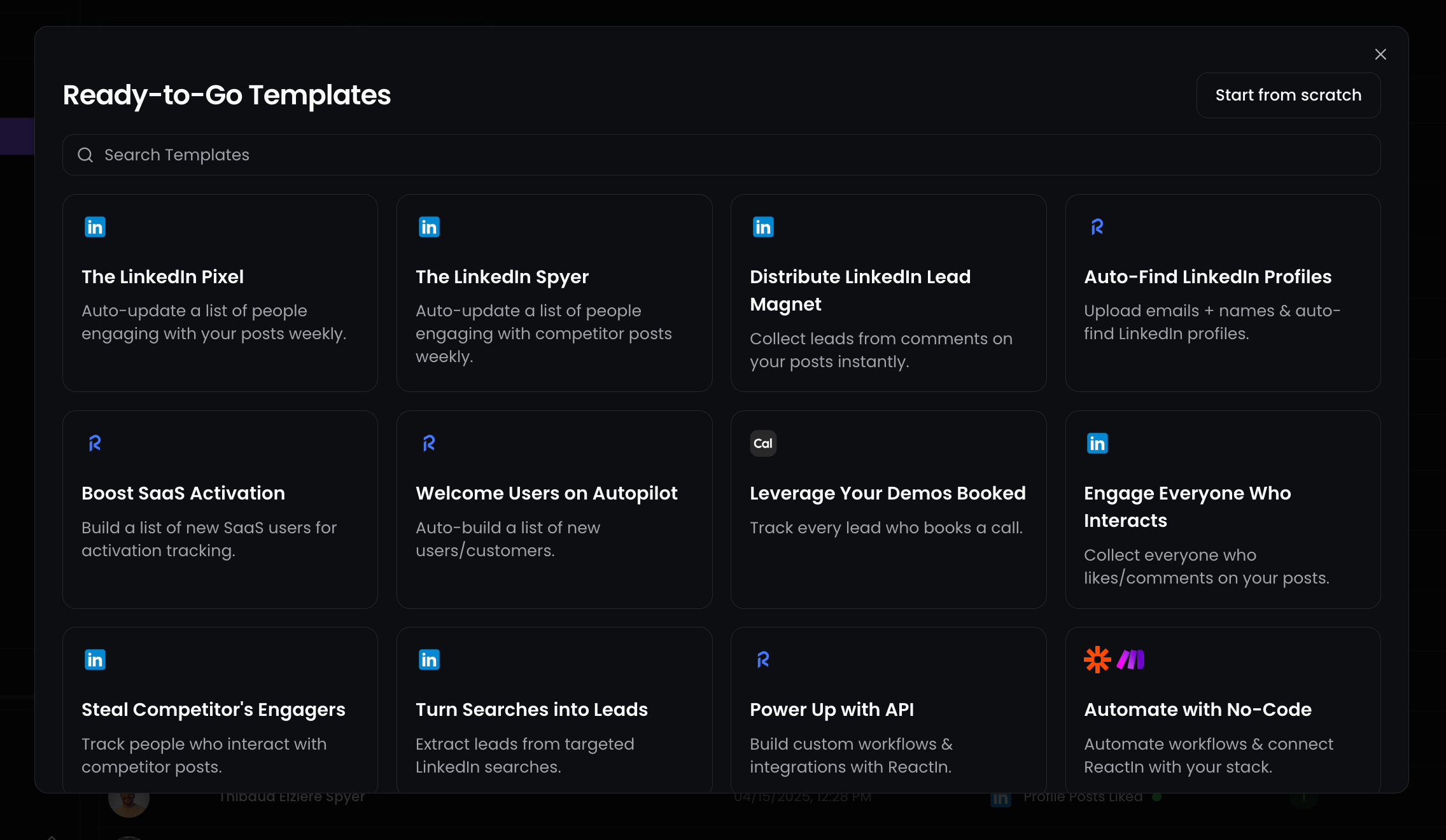
💡 Pro tip: Start with one template like The LinkedIn Pixel or Spyer, and connect it to a campaign immediately. That’s how you get your first leads in minutes.
Ready to move on?
👉 Next: 2.2 One-Shot Scrapers →