3.7 Pause, Resume & Manage Campaigns
ReactIn gives you full control over every campaign — so you can start, pause, resume, or duplicate flows at any time without losing progress. This lets you stay agile and react fast to changes in your strategy, performance, or capacity.
Written By Theo Remola
Last updated Over 1 year ago
🛑 Pause a campaign
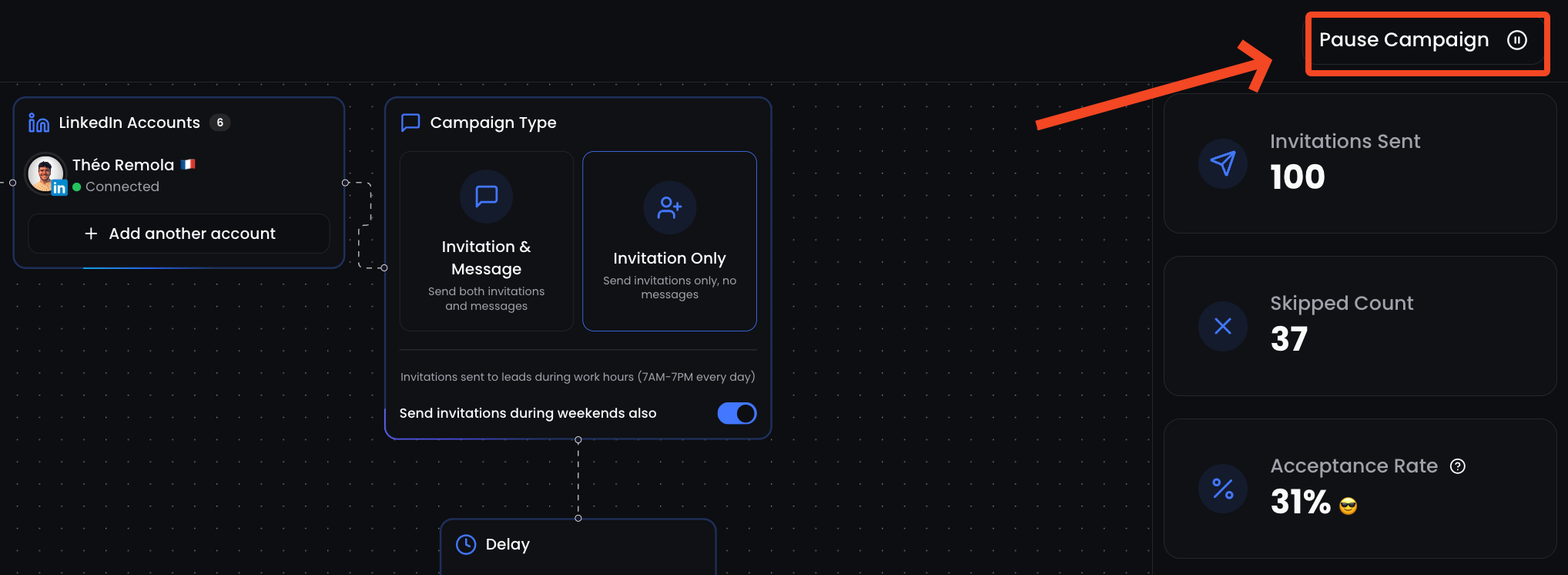
You can pause any campaign at any moment:
From the Campaign you want to pause
Click “Pause Campaign” on the top right corner
While paused:
No new messages or invites will be sent
Leads already contacted will retain their place in the queue
You can still view stats
▶️ Resume a campaign
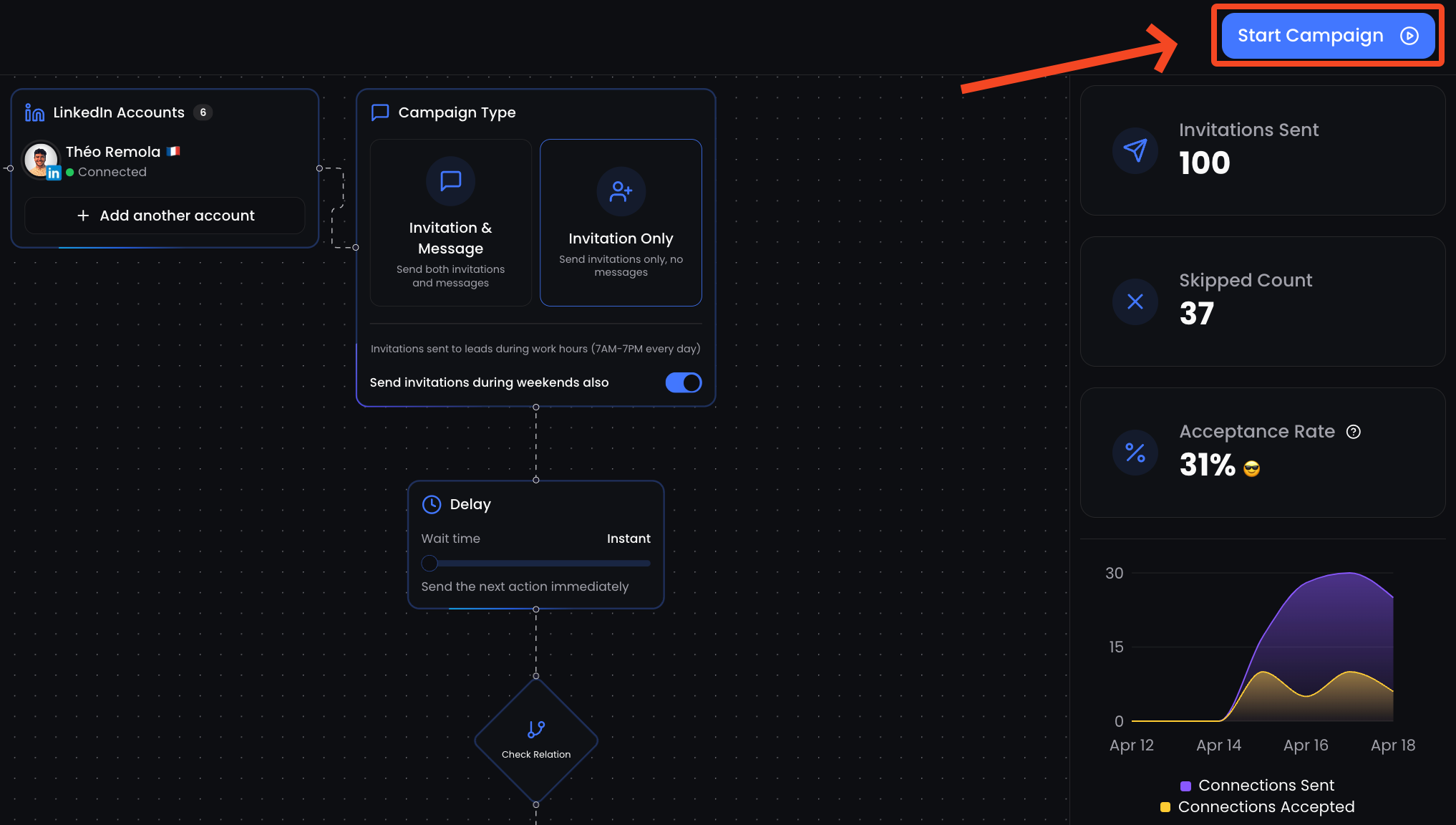
To resume:
From the Campaign you want to resume
Click “Start Campaign” on the top right corner
🧪 Rename a campaign
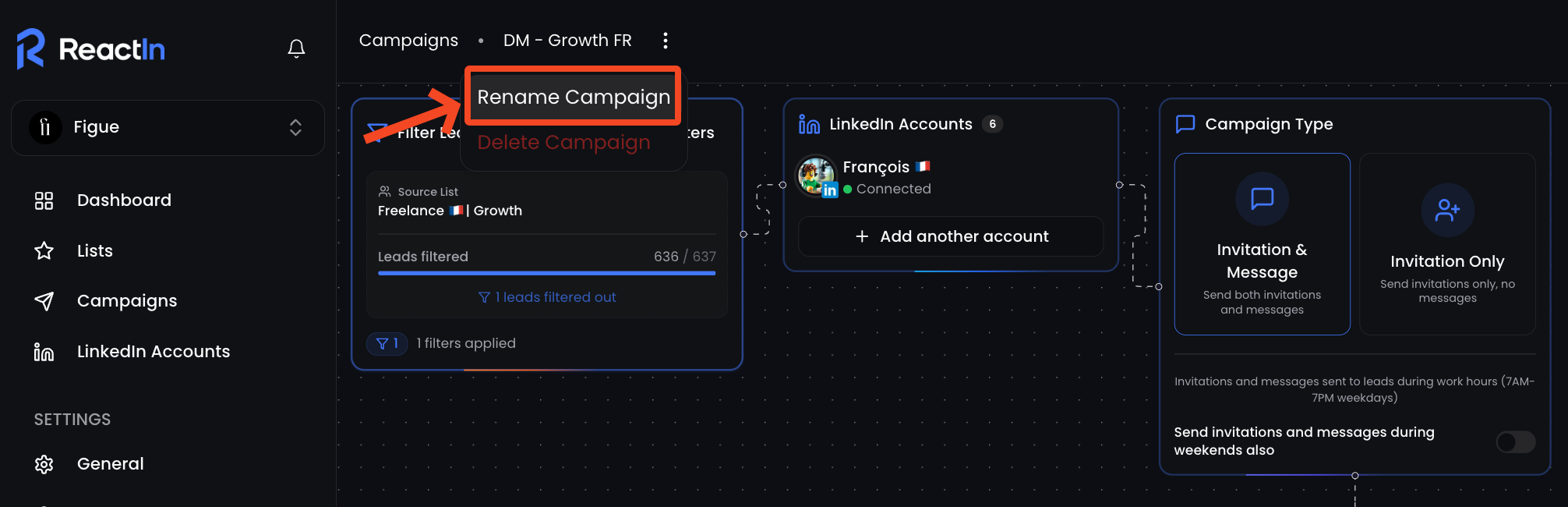
From the Campaign you want to rename
Click the three dots (
⋮) next to the campaignClick on “Rename Campaign”
🗑️ Delete a campaign
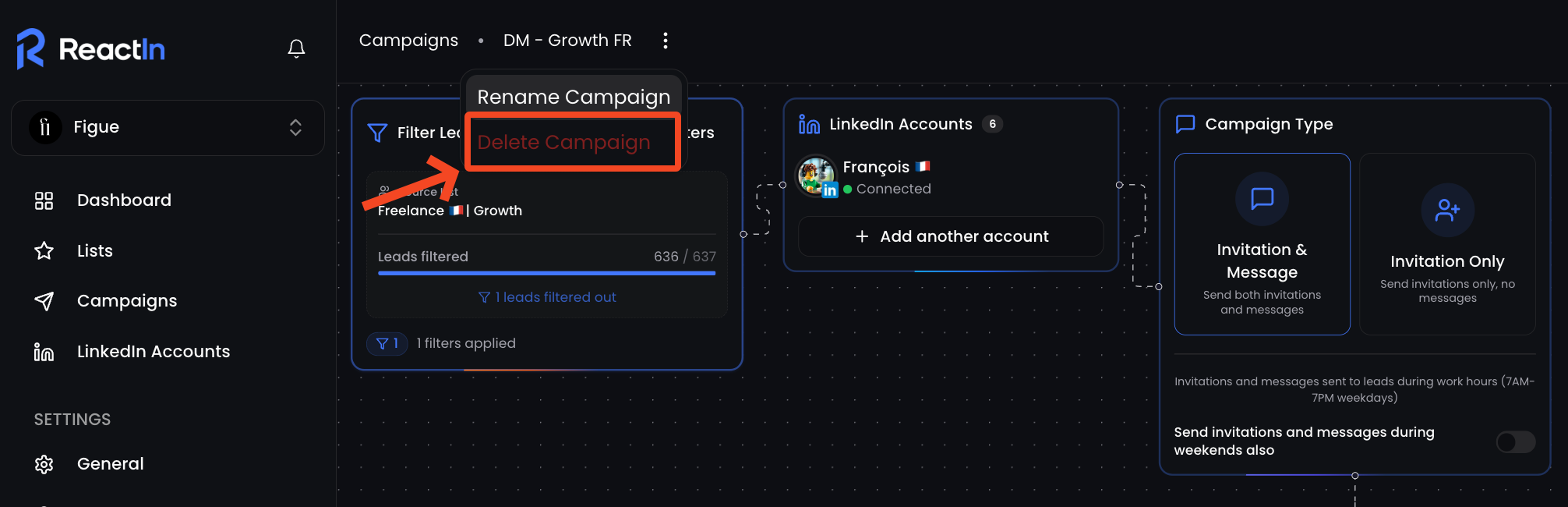
From the Campaign you want to rename
Click the three dots (
⋮) next to the campaignClick on “Delete Campaign”
🧠 Best practices
Pause campaigns if response quality drops suddenly — and test a new angle
Resume once filters, targeting or quota issues are fixed
Use Delete only if you no longer need the campaign — this is permanent
💡 Pro tip: Pause before the weekend to avoid awkward timing — then resume on Monday to match business hours.
Ready to move on?
👉 Next Step: API Keys & List ID →