2.7 SmartList Management
Take control of your SmartLists like a pro—from quick actions to full lead enrichment automation.
Written By François Delporte
Last updated Over 1 year ago
List Overview Actions
SmartList Management lets you fully customize, clean, and leverage your lead lists inside ReactIn. Whether you're launching campaigns, updating columns, or enriching data in real time—this is where it all happens.
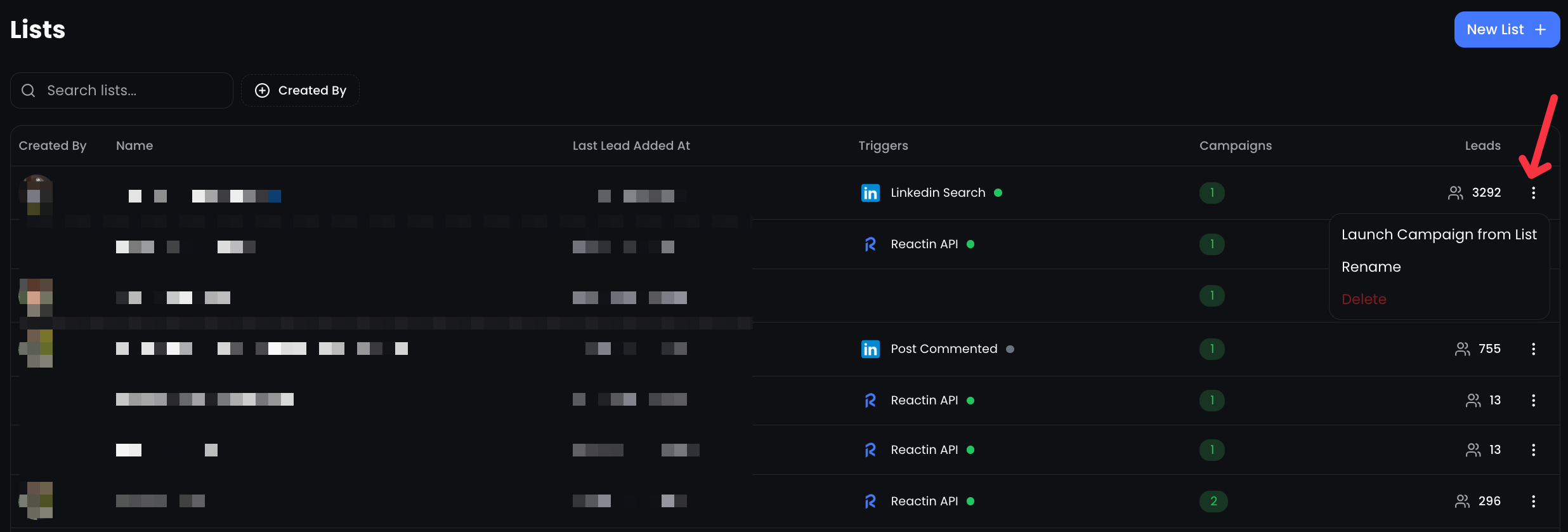
From the SmartList dashboard, click the three dots next to any list to:
🚀 Launch a Campaign directly from this list.
✏️ Rename your list.
🗑️ Delete a list you no longer need.
You can also filter by list creator to navigate multiple users more easily.
Inside a SmartList
Once you're inside a list, you gain full editing power:
🔄 Auto Enrichment
Enable the Auto Enrich toggle to automatically enrich each new lead with data from your enrichment columns.
Use the “Run Once” button to enrich all current leads.
Use Recurring mode (when available) to keep enrichment up-to-date automatically.
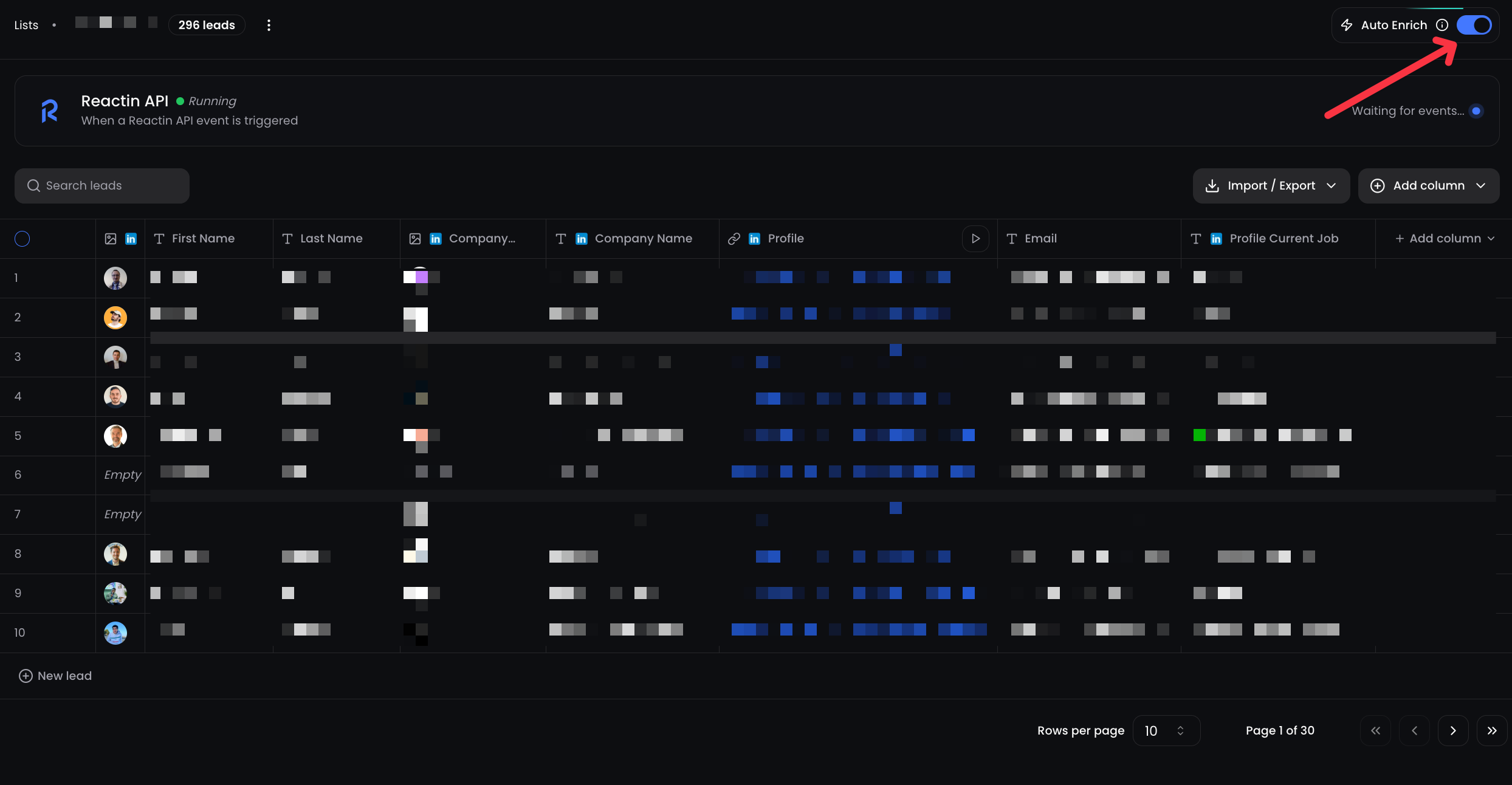
➕ Manual Actions
Add a lead manually
Edit any cell in the table
Change a cell value or run an enrichment on that row only
Delete one or multiple leads
Drag & drop columns to reorder your table view
🧠 Column Settings
Each column comes with rich editing options:
✏️ Edit column name or type
🎨 Set a column color to visually organize
🧹 Delete a column completely
🧩 Change column type: choose between
Text,AI, orLinkedIn Enriched
For example, you can switch a text column to an AI Smart Column to generate dynamic content (like a personalized DM), or convert it into a LinkedIn column to fetch company data.
💡 Pro tip: Want to send DMs in multiple languages? Use an AI column to guess the lead’s language, then combine it with conditional Smart Campaign logic.
👉 Ready to move on?
Next: Campaigns – Create & Send Messages at Scale →